MEDITATION · FOCUS · SOUND
Create your own
sound space.
Choose music, layer recorded ambient sounds like rain and waves, set a time, and begin. SOUND SPACE is an iPhone and iPad app for meditation and focus.
- 20Music tracks
- 7Recorded sounds
- 0Ads or tracking
QUICK START
Make three choices, then begin
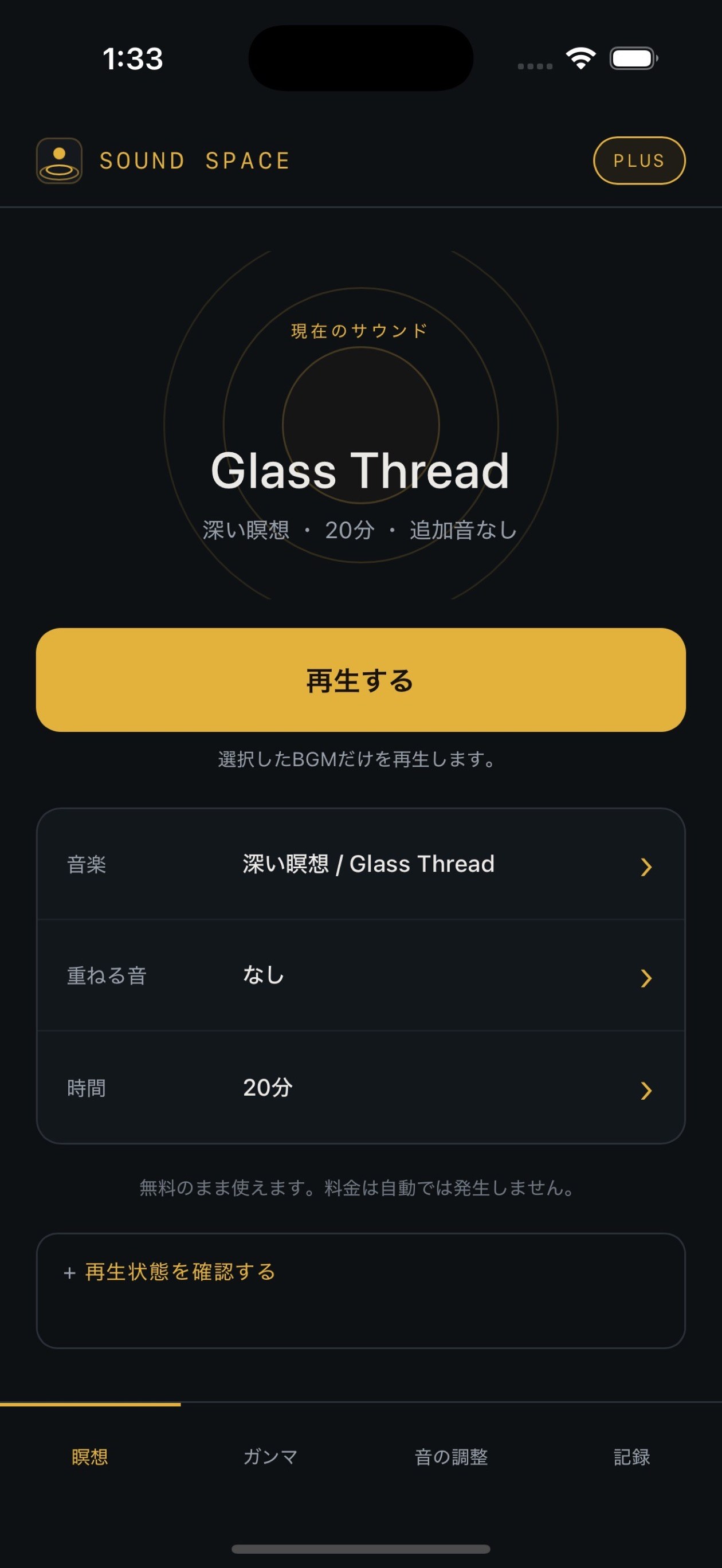
Every added sound is optional. Start with just the music and layer other sounds later if you like.
- 1Choose music
Pick a mode — Deep Meditation, Relax, Sleep, Focus, or Solfeggio — and a music track.
- 2Layer sounds
Add only the sounds you want, such as rain, waves, a river, a forest, or a campfire.
- 3Set the time
Choose 10 to 60 minutes or no limit, then tap Play.
SUPPORT
Need help?
If the answers below don't solve the problem, contact us through the support page and describe what happened.
Please tell us these 4 things
Your iPhone or iPad model, your iOS or iPadOS version, the SOUND SPACE version and build number, and the steps that led to the problem.
FAQ
Frequently asked questions
What if there's no sound?
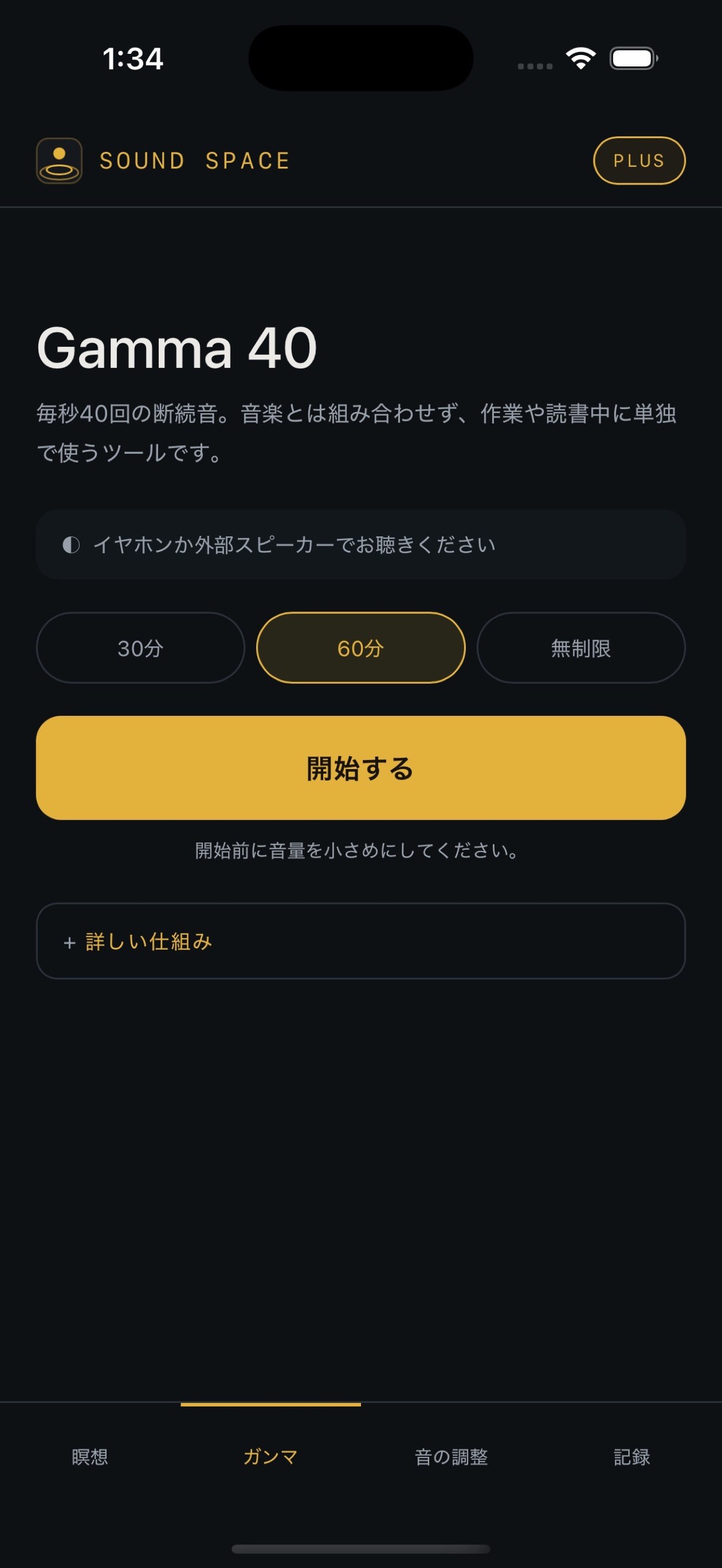
Check your device volume, the Bluetooth output, and whether another app is playing audio. Then quit SOUND SPACE and open it again. Gamma 40 is mostly low frequencies, so listen with headphones or an external speaker.
How do I restore my purchase?
Tap PLUS in the top-right corner of the app and choose Restore Purchases. If your Apple Account has an active purchase, your access will be restored.
How do I check or cancel my subscription?
Open Settings on your iPhone or iPad, tap your Apple Account, tap Subscriptions, and choose SOUND SPACE. You can check or cancel your subscription there.
Are my records or settings sent anywhere?
No. Your settings and session records are stored on your device. The app uses no advertising, analytics, or tracking. Only purchases and restores use Apple's StoreKit.
Can Gamma 40 play together with meditation music?
No. Gamma 40 isn't music; it's a standalone tool that plays a fixed 40 Hz stimulus tone. It's used on its own tab, separate from meditation music.